

- Build me something.
- Tell me why this moved.
- Tell me if this worked.
Note: You don’t need the perfect prompt to get value with Mixpanel Agent. Describe what you want in plain language and see what comes back, knowing you can always refine from there.
Turn a rough idea into a board or report
Most people’s first move with Mixpanel Agent isn’t a question. It’s a build request. Some requests are bare: “make DAU over a week.” Others come in fully specified, with filters and breakdowns already decided. Either way, describe what you want and Mixpanel Agent returns a working report or board.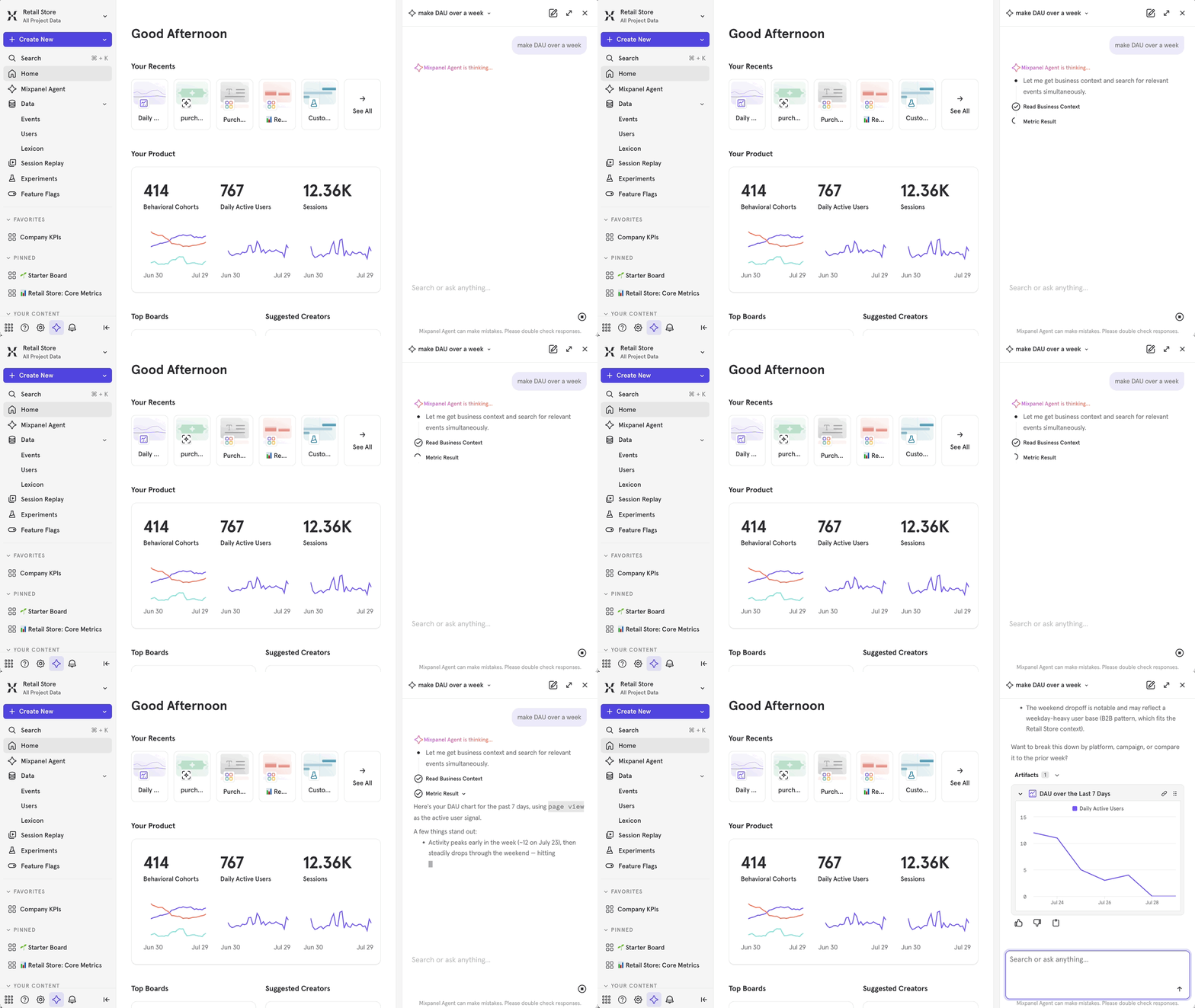
Find out why a metric moved
Once a chart is in front of someone, the next question is “why.” Ask Mixpanel Agent directly, or trigger it from an Insights report or an alert. The RCA Agent (root cause analysis) returns which dimensions explain the shift, ranked by significance, plus a plain-language read and a confidence level.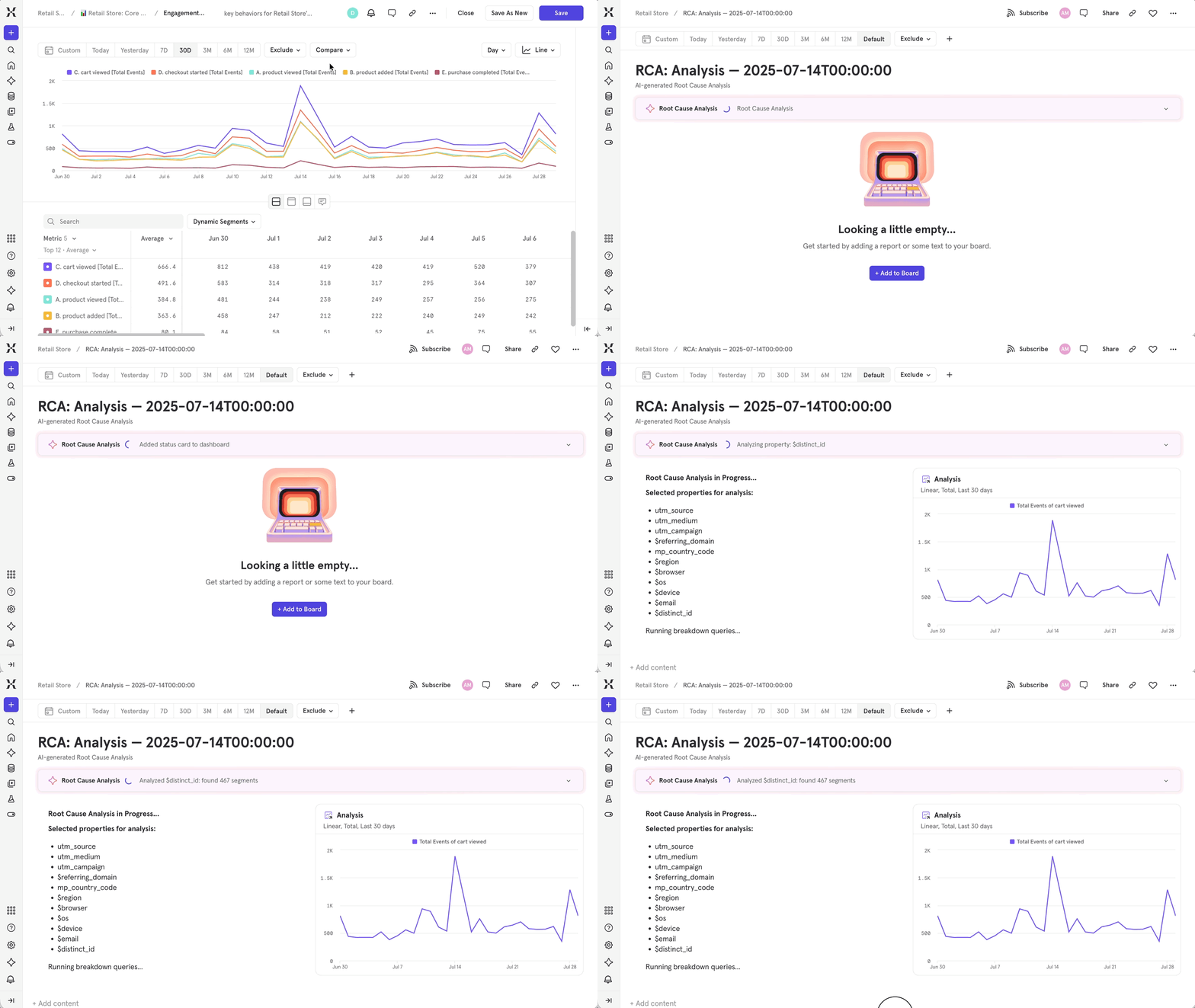
Check whether a change worked
The third question shows up right after a launch: a pricing change, a policy update, a new onboarding flow. Teams come to Agent with a specific before-and-after comparison already in mind, often within hours of shipping. The path depends on what kind of change you’re measuring: an ongoing metric you’re watching, or a formal test with a ship-or-kill decision at the end.- Watching a metric you own? The KPI Agent delivers a scheduled digest, so you’re not manually pulling the number and writing the summary yourself.
- Ran a formal test? The Experiments Agent reads the full experiment or feature flag and returns a plain-language verdict: what happened, whether it’s significant, what to do next.
Key takeaways
- The fastest way to learn what Mixpanel Agent can do is to point it at a question you already have, not to read about its features first.
- If you’d normally build a report by hand, describe it instead and review what comes back before sharing it.
- Pair a metric shift with RCA before you dig into breakdowns yourself. You’ll get a ranked explanation, not just a hunch to chase down.
- Route “did it work” questions to KPI Agent for metrics you own on an ongoing basis, and to Experiments Agent for formal tests with a ship or kill decision.
- All three use cases get sharper answers once your team’s Business Context is filled in.